Introduction
M.A.C.E. (macOS Advanced Compliance Editor) is a GUI for the macOS Security Compliance Project (mSCP), the open source project hosted by NIST on GitHub. MACE reads the mSCP rule library and uses it to generate the frameworks, baselines, profiles, and scripts that bring your devices into compliance.
Built in Swift and SwiftUI, it's a native macOS app that lets you create, customize, audit, and export compliance configurations without touching the command line.
Built by a Mac Admin, for Mac Admins

MACE started from a simple frustration. As a Mac admin using mSCP day-to-day, the project was incredible, but the workflow wasn't. Bouncing between terminal windows, editing YAML files by hand, and running Python scripts just to see what changed got old fast.
I wanted something I could actually see. Browse the rules, change a setting without looking up the syntax, hit build. Something I could hand to a newer admin without walking them through Git first.
Jamf Compliance Editor got me part of the way there, and credit where it's due, it showed that a GUI on top of mSCP was the right idea. WOMBAT does the same on the Workspace ONE side. Both make sense for what they are, but each one is built around a single MDM, so if you're not a Jamf or Workspace ONE shop it's a rougher fit. And both still had the bones and not the meat I was after. Every time I wanted to change how something got built, I either hit a wall or ended up editing the files by hand anyway.
There was another side to it too. I'm on the mSCP project team, so I see who the project reaches and who it doesn't. People hit a wall getting mSCP set up, or got stuck once it came time to run the scripts. Plenty of them had no coding background and still had compliance to answer for. They gave up before they ever found out mSCP already had what they needed, and the project never heard a word from any of them. An app they can actually open changes that. More users, feedback going straight back to the project, and mSCP running on fleets that would have passed on it.
So I built my own, with the Mac admin in mind the whole way through.
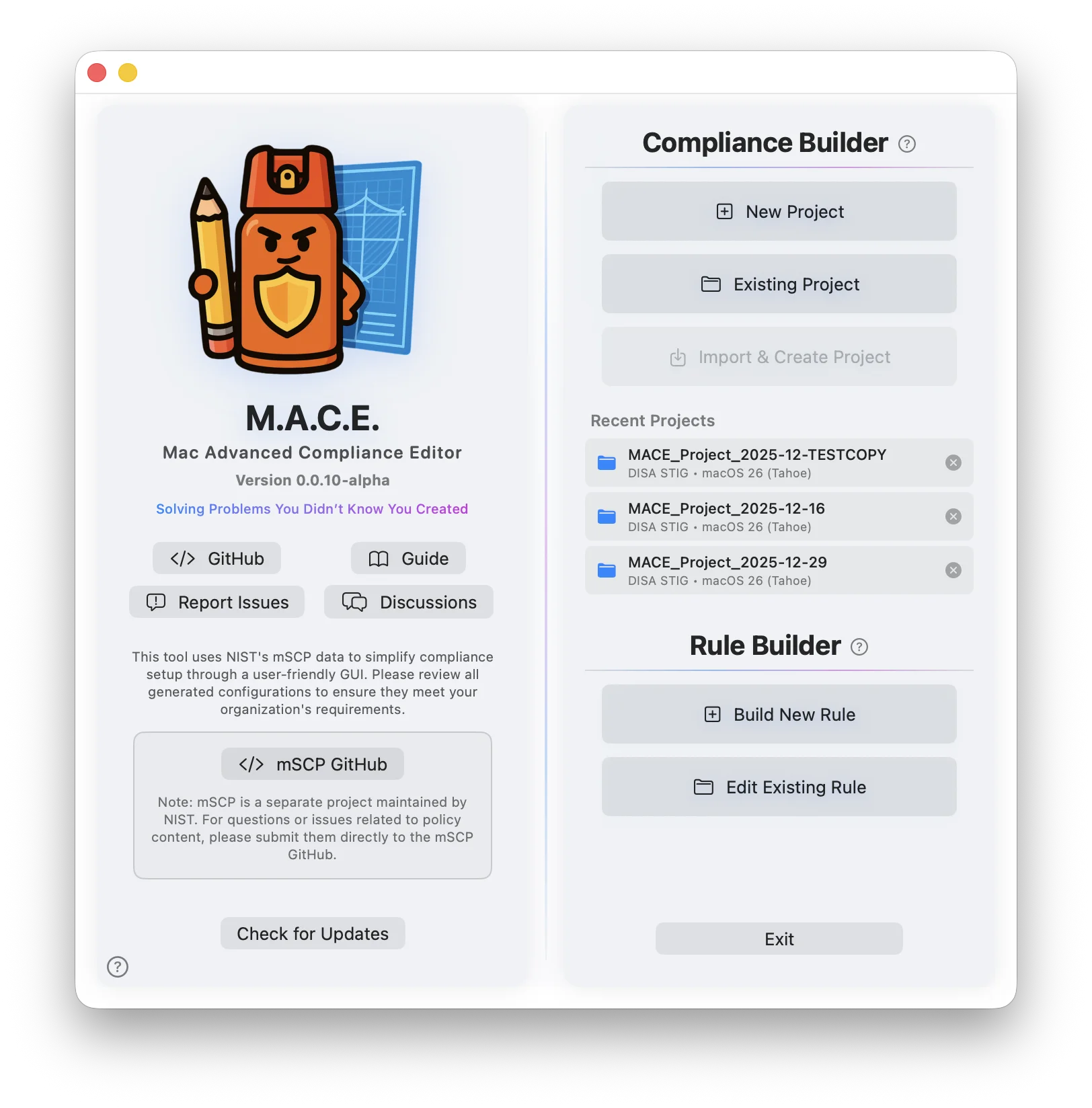
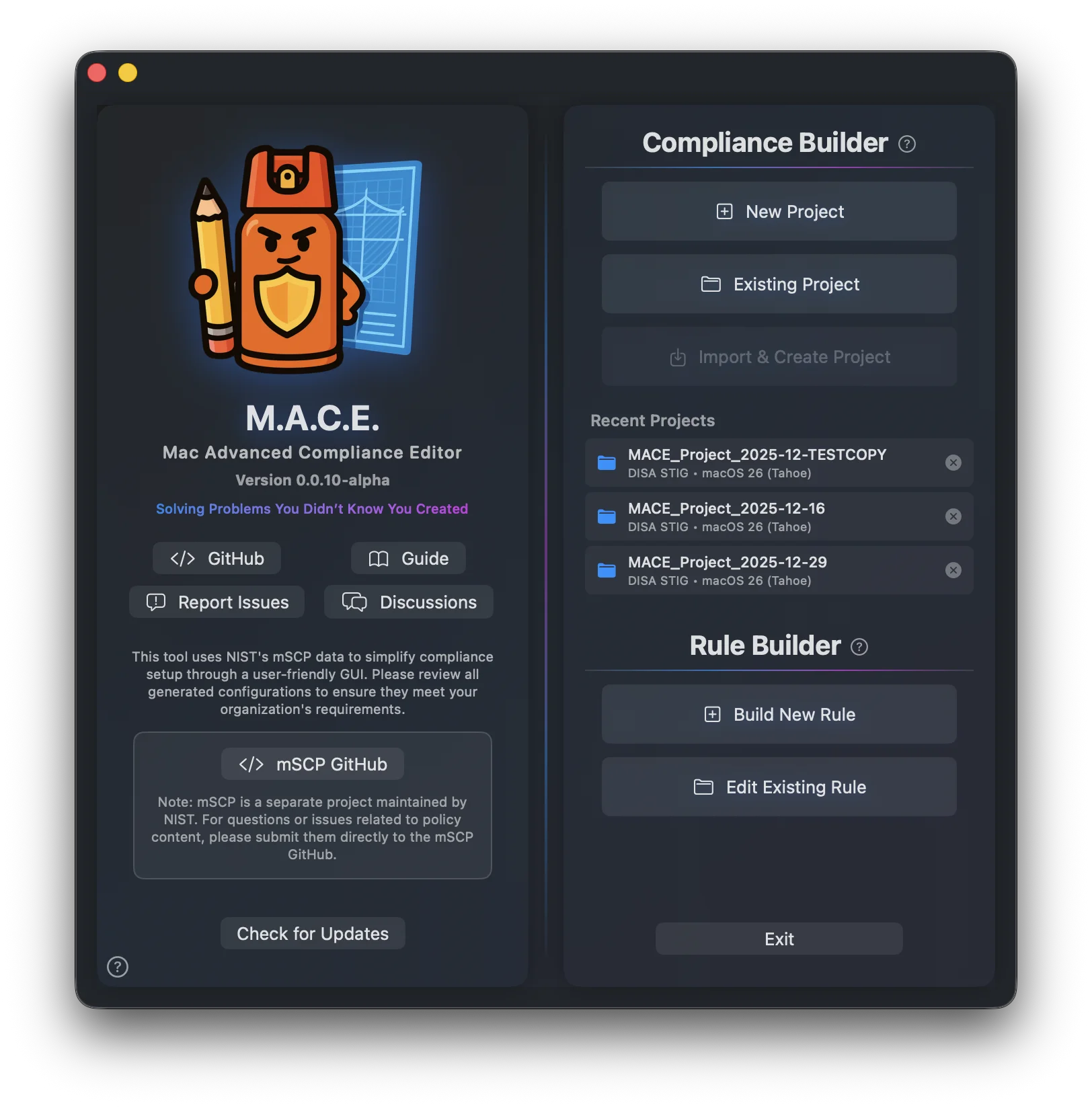
Who It's For
Three groups kept coming up:
- The ones who don't code. They have a mandate, a fleet, and a deadline. What they don't have is the Python, Ruby, Git, and terminal background the project assumes.
- The ones who need more than the current tools give them. They know exactly what they want out of their build, and the existing apps stop short of it.
- The ones already running mSCP who want it simpler. No trouble with it at all. They just want to get there faster, without the setup and the scripts every time.
I built it for all three.
MACE and mSCP
The macOS Security Compliance Project is the gold standard for Apple security baselines. It's built in collaboration with federal government Mac admins and security teams who came together to make something better, and Apple documents it in their own platform certifications guide.
Every rule, framework, and piece of compliance logic in MACE comes straight from mSCP. The expertise stays with the experts.
MACE is the front end. It takes what mSCP already does well and puts a real interface on it, so an admin can get to a working baseline without learning a toolchain first.
That split is the point. mSCP keeps doing what it does best, which is more rules, more frameworks, more baselines. MACE brings more people to it.

What MACE Does
MACE pulls in everything mSCP has. Every rule, every baseline, every framework, all of it loaded and ready to work with. Nothing gets trimmed or rewritten along the way, and all the original mSCP files and folders stay exactly where they are in the project you create, so you can work inside or outside of MACE at any point.
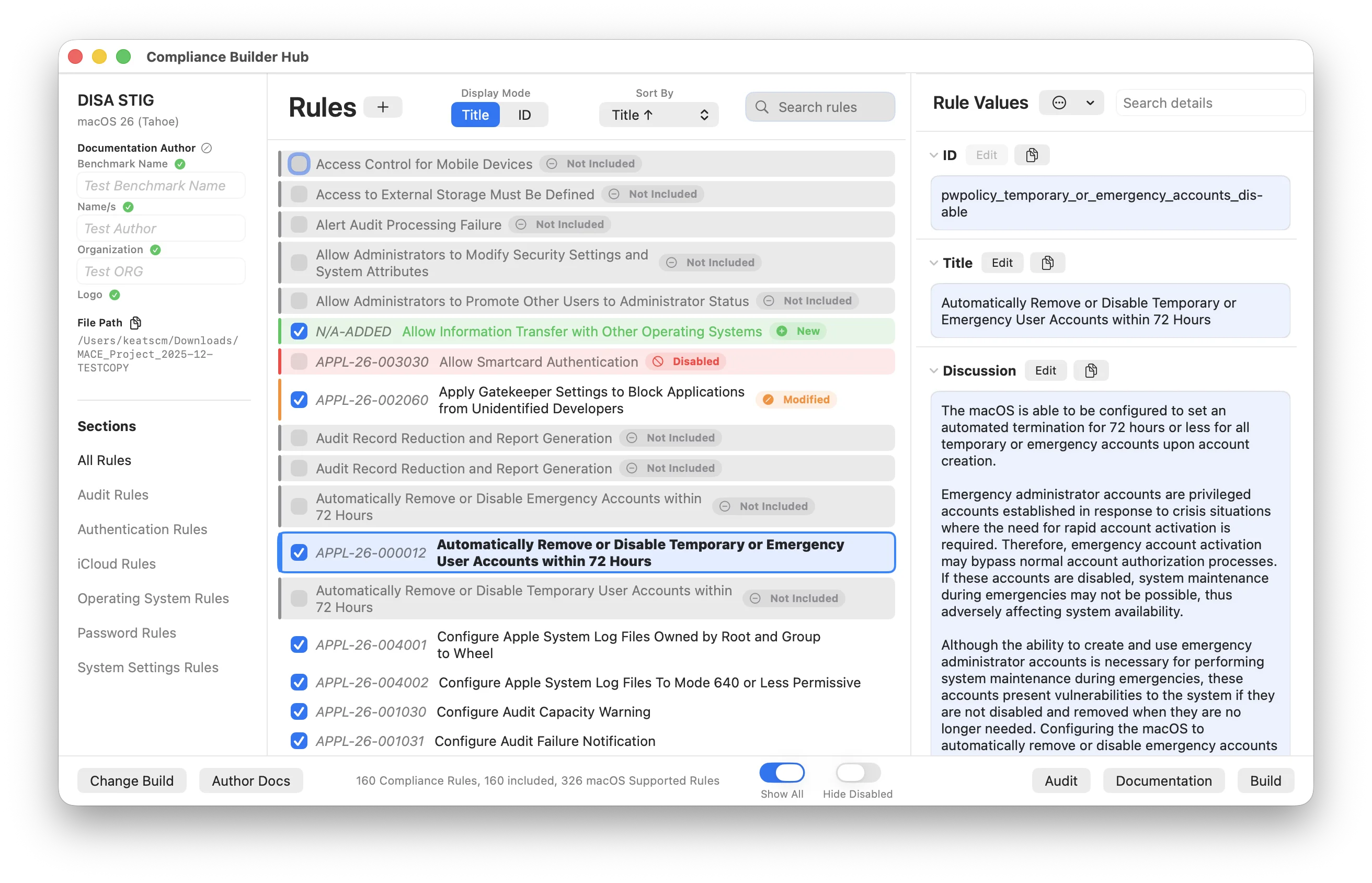
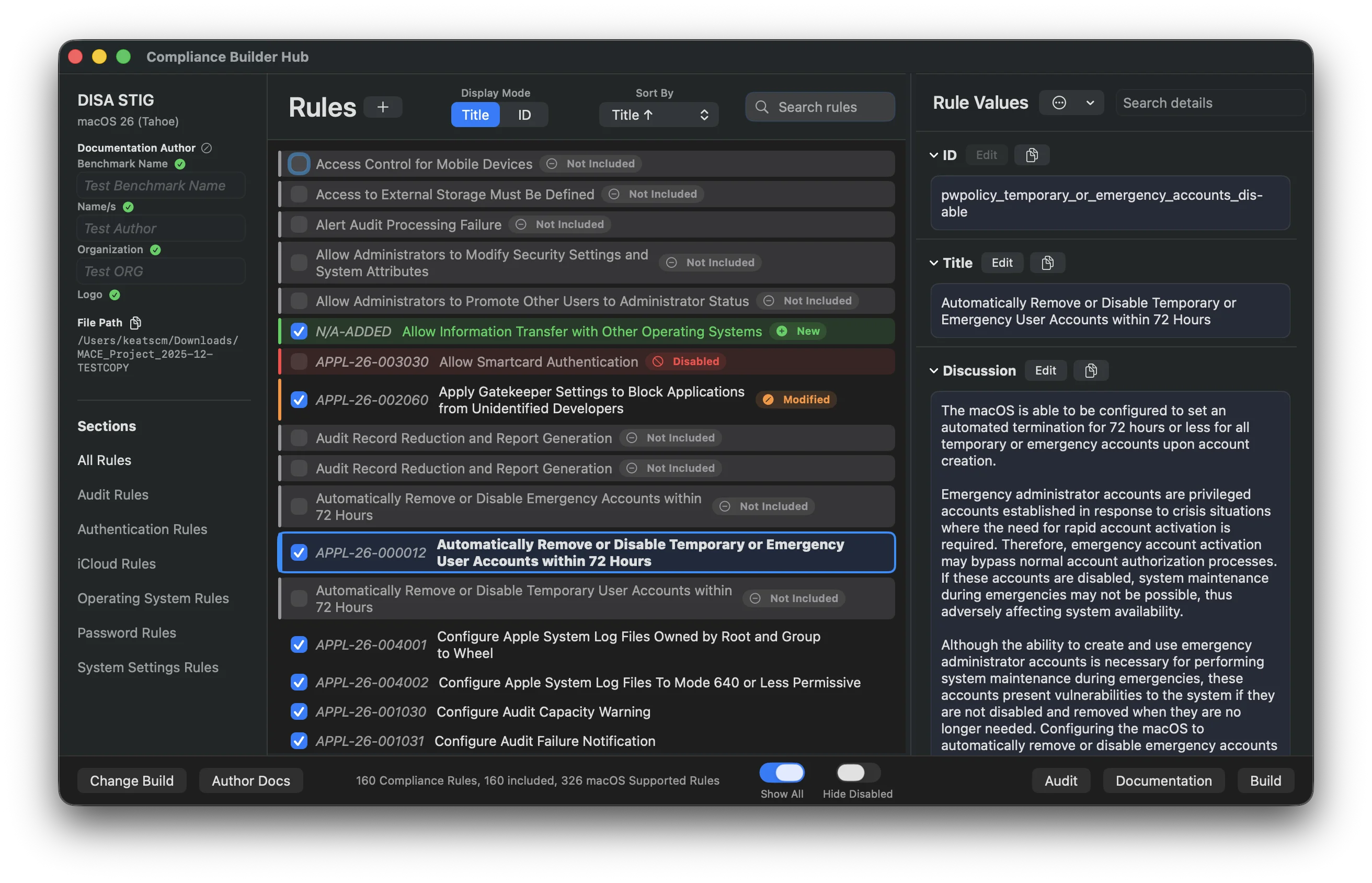
From there, MACE handles the entire compliance workflow:
| 📁 | Create projects for macOS iOS iPadOS visionOS Application (alpha) |
| 🔍 | Browse 800+ rules across every supported macOS, iOS, and visionOS release, organized by section |
| ✏️ | Customize your baseline and rules, or create new rules from scratch |
| ⚖️ | Compare any two baselines side by side: frameworks, OS releases, mSCP sources, or your own projects |
| 🔨 | Build deployment-ready scripts and configuration profiles |
| ✅ | Audit devices with real-time compliance checks |
| 📄 | Export audit results, reports, and documentation in multiple formats, with control over what goes in them |
| 🎨 | Brand your documentation with your own logo and colors to fit your organization |
| 🚀 | Deploy straight to your MDM, with the list of supported MDMs still growing |
Two Engines
Building, auditing, documenting — whichever one you're doing, you pick how it runs. Keep it the way mSCP has always done it, or take it further with the MACE engine.
mSCP Engine
The original Python scripts, run exactly as the project intends. You get what the scripts expose, the same way you always have.
- Standard mSCP output formats
- Only the options the scripts offer
- Full mSCP compatibility

M.A.C.E. Engine
Built in Swift. Tweak almost everything about every output, with options the scripts were never built to expose.
- Tweak almost every setting on every output
- Visual and content control across Build, Audit, and Documentation
- Direct MDM export, and more on the way
Same project, same rules, same customizations. Two different ways to output the data, and you decide which one. Switch between them whenever you want, and nothing in your project changes.
That's the whole idea. Some admins want mSCP exactly as it ships and nothing more. Others want to push it further than the scripts ever let them, with extra output options and exports that drop straight into your MDM, with the list of supported MDMs still growing. Neither one is the wrong answer, so MACE doesn't pick for you.
Tell Me What You Need

The best part is there's no company behind this. I'm a Mac admin building a tool for other Mac admins, trying to do my job with something that actually works for me.
Which means I'm you. I use MACE for exactly what it was built for, on my own fleet. When something in the app is annoying, I'm running into it too.
This is my first app, and feedback is a big part of how it gets better. A lot of what's in MACE started as somebody asking for it. If one person needs something, chances are plenty of others need the same thing and never said a word. So it's worth asking, even if it feels small or specific to you.
Being a Mac admin has always meant being part of a community. We ask when we're stuck, and we help where we can. So if you need something, say something. Maybe you're struggling with something, maybe something's missing from the app. Either way, I want to hear it.
Check out the Community page for more info and every way to reach me.
Ready to Try It?

Runs on macOS 14 (Sonoma) or later, Apple Silicon or Intel. Admin access only needed for audits.
Download MACEFree to use. Create your first project in minutes.
Want the full rundown first? The Installation guide covers the download, Homebrew, Installomator, and how updates work.