Settings

Customize MACE to fit your workflow.
Four panes: General, Appearance, Advanced, and Updates.
Open Settings from the MACE menu bar (MACE ▸ App Settings…, or ⌘,). Check for Updates… sits right below it. Pick a pane from the sidebar on the left.
Every option shows its shipped default. Change one and an orange Restore Default badge appears beside it, so you can always see what you have moved away from and put it back with a click. To roll back more than one option at a time, see Resetting Settings.
Each setting below carries the same control you see in the app, drawn in its default position. A blue switch means the option ships turned on, a grey switch means it ships turned off, and a menu shows the value MACE starts with. Rows that run an action show the button you click instead.
The controls on this page work. Flip a switch and the orange Restore Default badge appears, exactly as it does in MACE. Turn Holiday Logo off and watch Logo Override wake up. Nothing here touches your copy of the app, so click away.
General
Projects
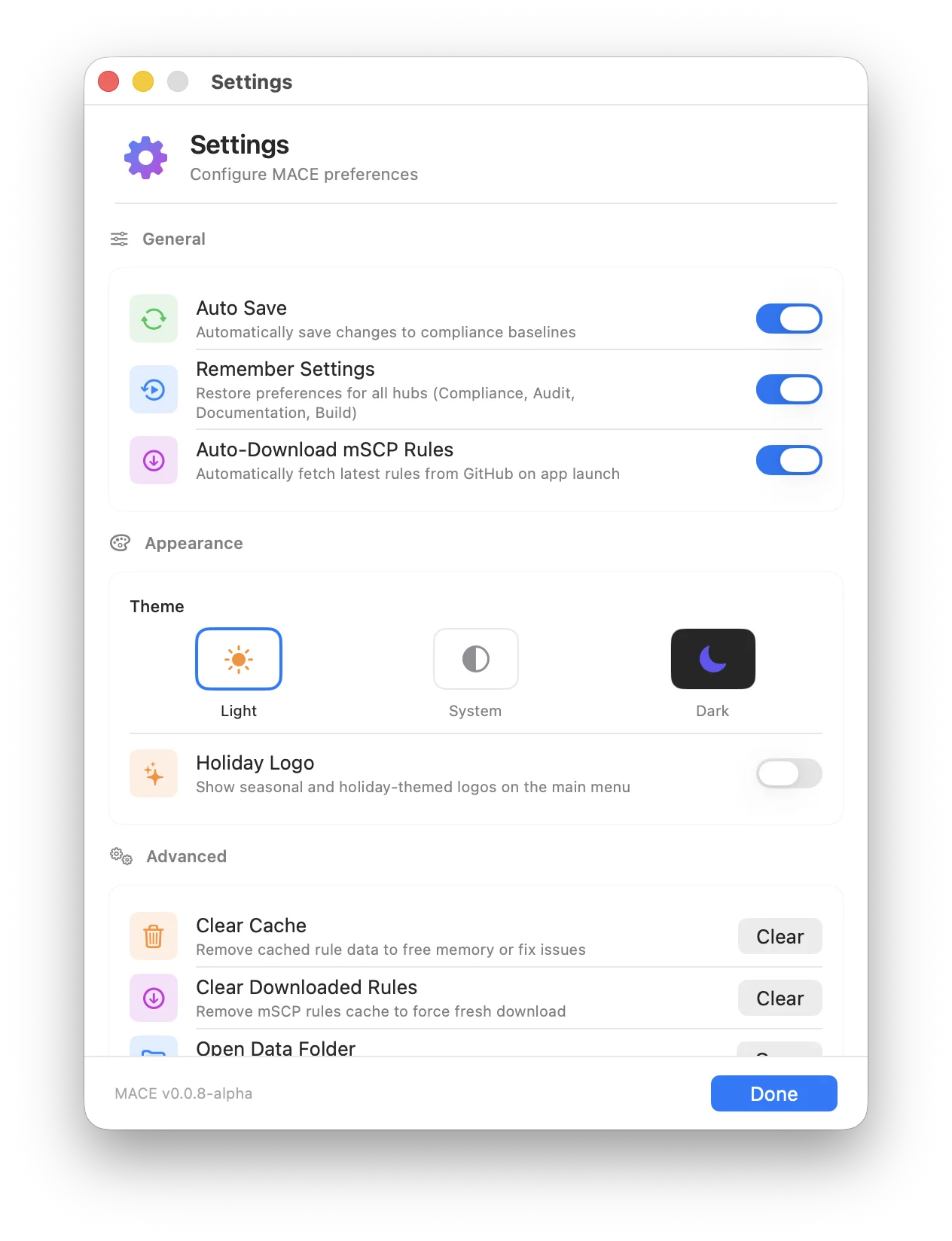
Automatically save changes to compliance baselines as you work. Your progress is written out continuously, so nothing waits on a manual save.
Restore preferences for all four hubs (Compliance, Audit, Documentation, and Build) when you reopen MACE, including sidebar widths and filter states.
When you create a project, MACE adds a .gitignore and .gitattributes, then removes the inherited custom/.gitignore so your edits are tracked. For a project you already have, use File ▸ Make Project Git-Ready instead.
Rules
Fetch the latest rules from GitHub whenever the main menu appears, and check for rule updates when a project opens. This also keeps beta branches discovered and downloaded for offline use. With it off, Rules Source only lists branches already in the repo cache.
Where new projects get their rules. Release is the published rule set on mSCP's main branch. Beta entries are mSCP development branches such as dev_27 that preview upcoming OS releases and rule changes. The menu lists every branch with mSCP 2.0 content, plus any forks you add below. Use Refresh branches to ask GitHub for the current list; otherwise it refreshes every six hours. See Beta Testers for what to expect from a dev branch.
Public forks of mSCP on GitHub, offered next to the official branches in Rules Source and in Baseline Compare. Enter owner/repo or paste a GitHub URL. The fork must use the mSCP 2.0 layout and be public. Rules include scripts that run on your Mac, so only add repositories you trust. Removing a fork that is the current Rules Source falls back to Release (main).
Audits
Save completed audits to the project so you can reload them without re-running checks. Only the most recent audit is kept, so each new audit overwrites the one before it.
Keep your per-rule comments when you start a new audit instead of clearing them. Turn this off if you would rather begin every audit with a clean slate.
Appearance
Theme
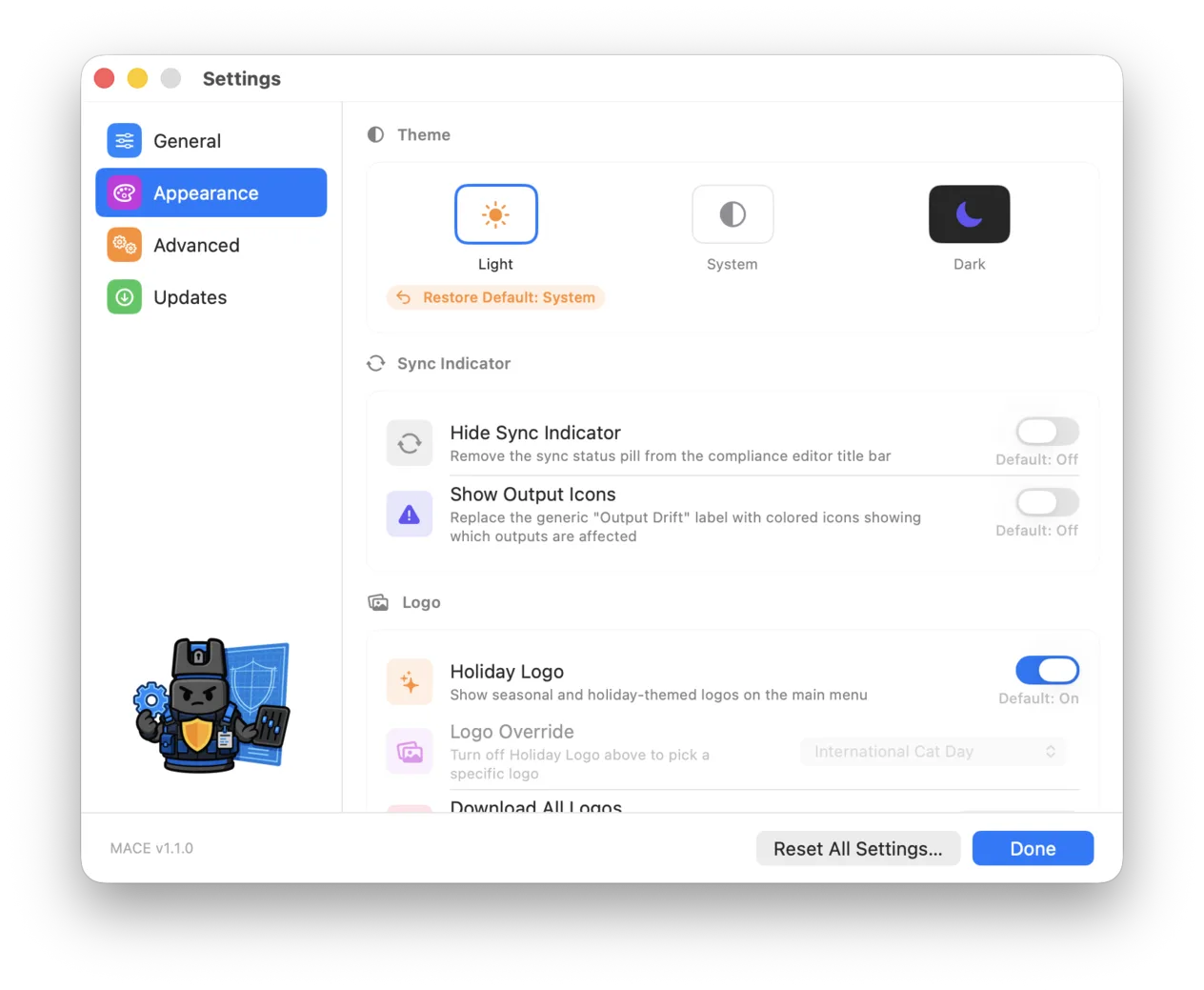
Choose Light, System, or Dark. System follows your macOS appearance setting, including the automatic switch between light and dark at sunrise and sunset.
Sync Indicator
Remove the sync status pill from the compliance editor title bar for a quieter workspace.
Replace the generic "Output Drift" label with colored icons, so you can tell at a glance which outputs are affected. Grayed out while Hide Sync Indicator is on.
Rule Editor
How $ODV appears in rule titles and fields across the Compliance Editor, Audit, and Baseline Compare. On tints the placeholder and reveals the rule's current value while hovering. Off makes it read like the rest of the text. Always Show Value replaces $ODV with the current value at all times.
Logo
Show seasonal and holiday themed logos on the main menu. MACE ships with more than 70 seasonal and holiday logos that switch automatically by date, plus character logos you can pin with Logo Override.
Pick one specific logo to use all year instead of the automatic rotation. Turn off Holiday Logo above to enable this menu. Turning it back on shows today's automatic pick again, and your choice is kept for next time.
 Today's pick: Default
Enjoying the logos as much as we do? Click Download, choose where to put them, and the entire collection is saved to your Mac. Use them however you like when you talk about MACE. See Share the Project for the whole set.
A little something for those of us who live in apps like this every day, instead of the same static images we're used to. None of them were ever designed to offend; they're a lighthearted way to celebrate people from all walks of life. Apps should be more fun, and I hope MACE brings a bit of that.
Advanced
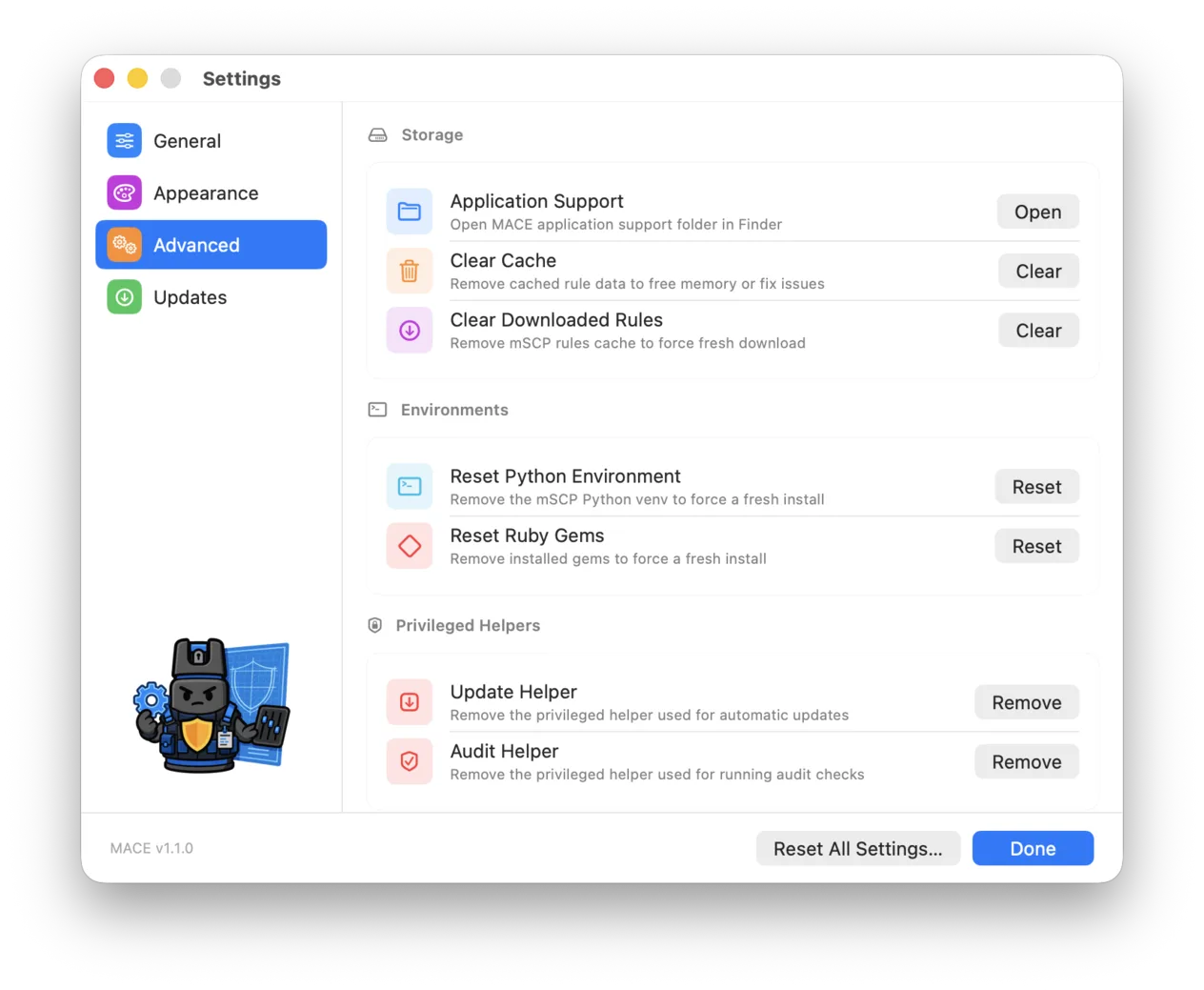
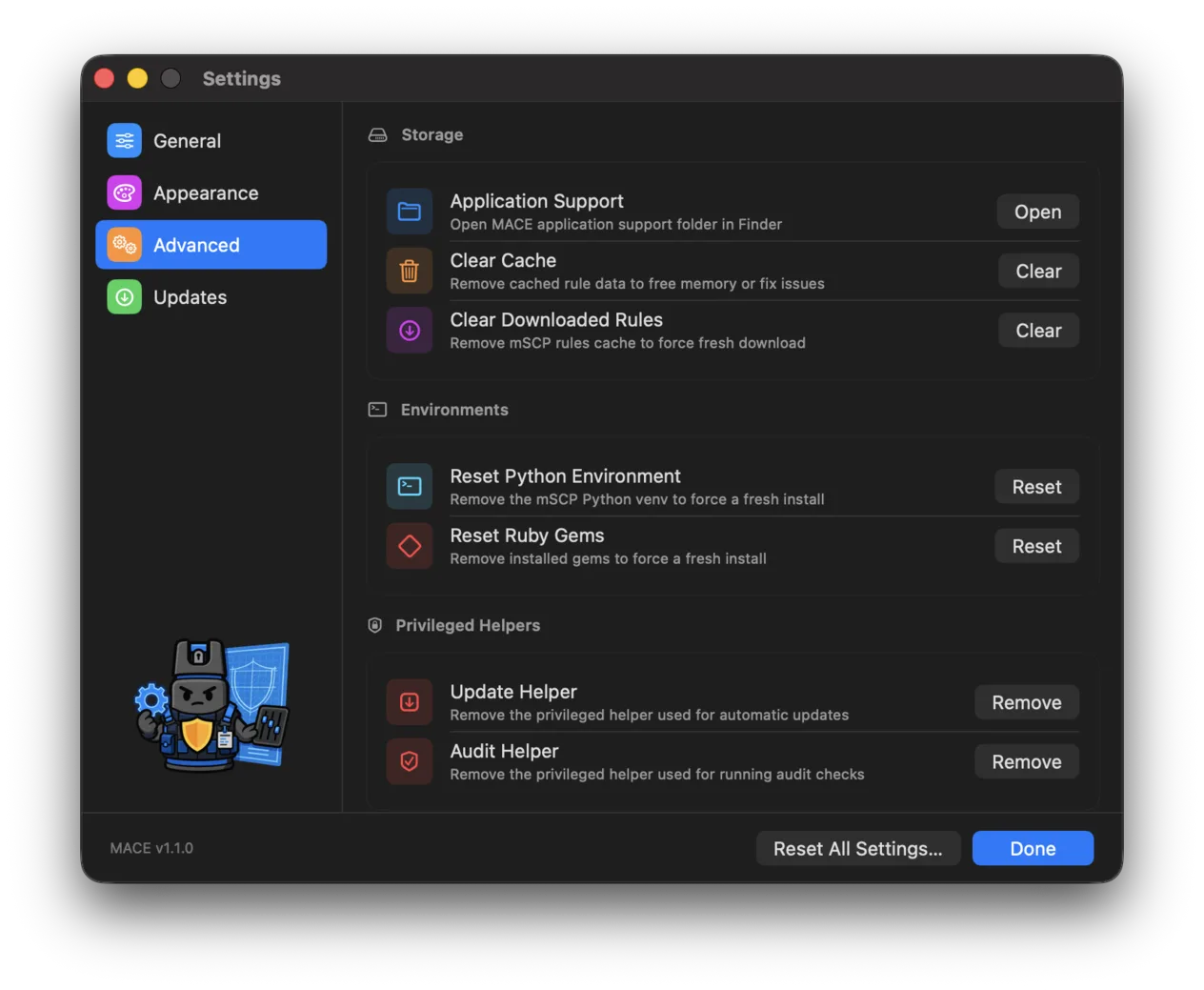
Every row in this pane runs an action rather than storing a preference, so there is nothing here to reset.
Storage
Reveal the MACE application support folder in Finder, where MACE keeps its data. Useful for troubleshooting or for backing up your settings.
Remove cached rule data to free memory or fix issues. Reach for this if MACE feels slow or shows stale data. It's rebuilt automatically when needed, and the app asks you to confirm first.
The downloaded copies of every source branch, Release, Beta, and forks, under ~/Library/Application Support/MACE/RepoCache. Open reveals it in Finder. Clear removes every branch after a confirmation. Existing projects keep their own rules, and with Auto-Download Rules on the app starts re-downloading right away.
Environments
MACE keeps its own Python and Ruby environments so builds never depend on whatever is installed system wide. Reset one if a build fails with a dependency error.
Remove the mSCP Python virtual environment so it installs fresh. MACE rebuilds it on the next run that needs it.
Remove the installed gems so they install fresh. Handy when a documentation build fails on a gem that did not install cleanly.
Privileged Helpers
MACE installs small privileged helpers for the tasks that need elevated rights. Removing one is safe, because MACE offers to reinstall it the next time it is needed.
Remove the privileged helper that MACE uses to install automatic updates.
Remove the privileged helper that MACE uses to run audit checks.
Updates
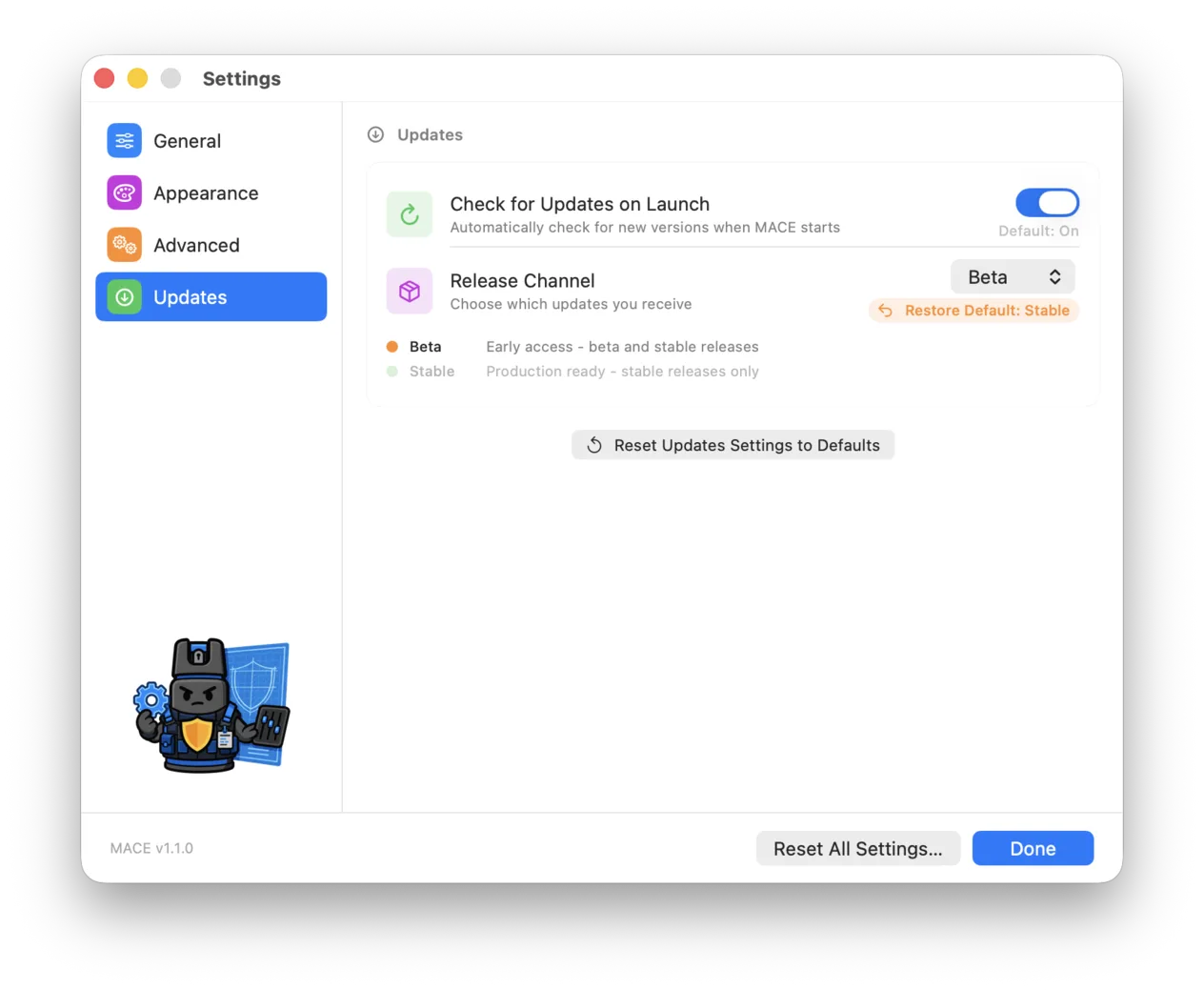
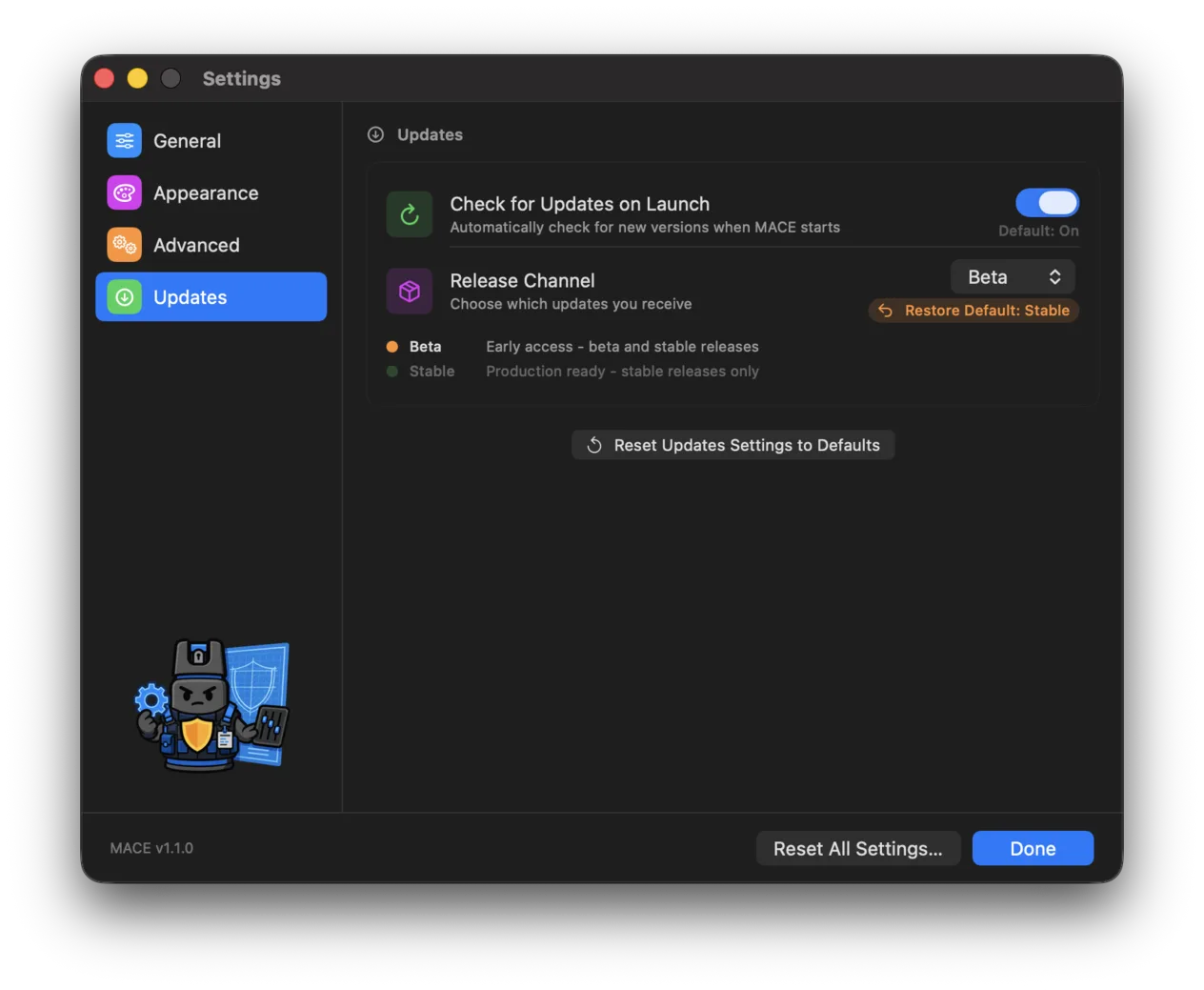
Look for a new version every time MACE starts, so you hear about a release without going looking for it.
Choose which updates you receive. Stable is production ready and offers stable releases only, while Beta gives you early access to both beta and stable releases. Changing the channel runs an update check as soon as you close Settings. Read Beta Testers before you switch.
Resetting Settings
MACE gives you two levels of reset. Neither one touches your projects.
The General, Appearance, and Updates panes each end with a Reset … Settings to Defaults button that restores every option in that pane and leaves the rest alone, after asking you to confirm. Resetting General also puts Rules Source back to Release (main) and removes every Additional Source. Advanced has no reset button, because it holds actions rather than preferences.
Reset All Settings… in the bottom bar of the Settings window restores the options in every pane at once and also clears the remembered hub preferences and audit export defaults by deleting the app's settings file. It asks you to confirm first. A few switches are left as they are: Hide Sync Indicator, Show Output Icons, Check for Updates on Launch, and Additional Sources.