Documentation
Generate professional compliance documentation in seven formats, with a live preview.
Create guides for auditors, technical teams, or management with customizable content and branding.
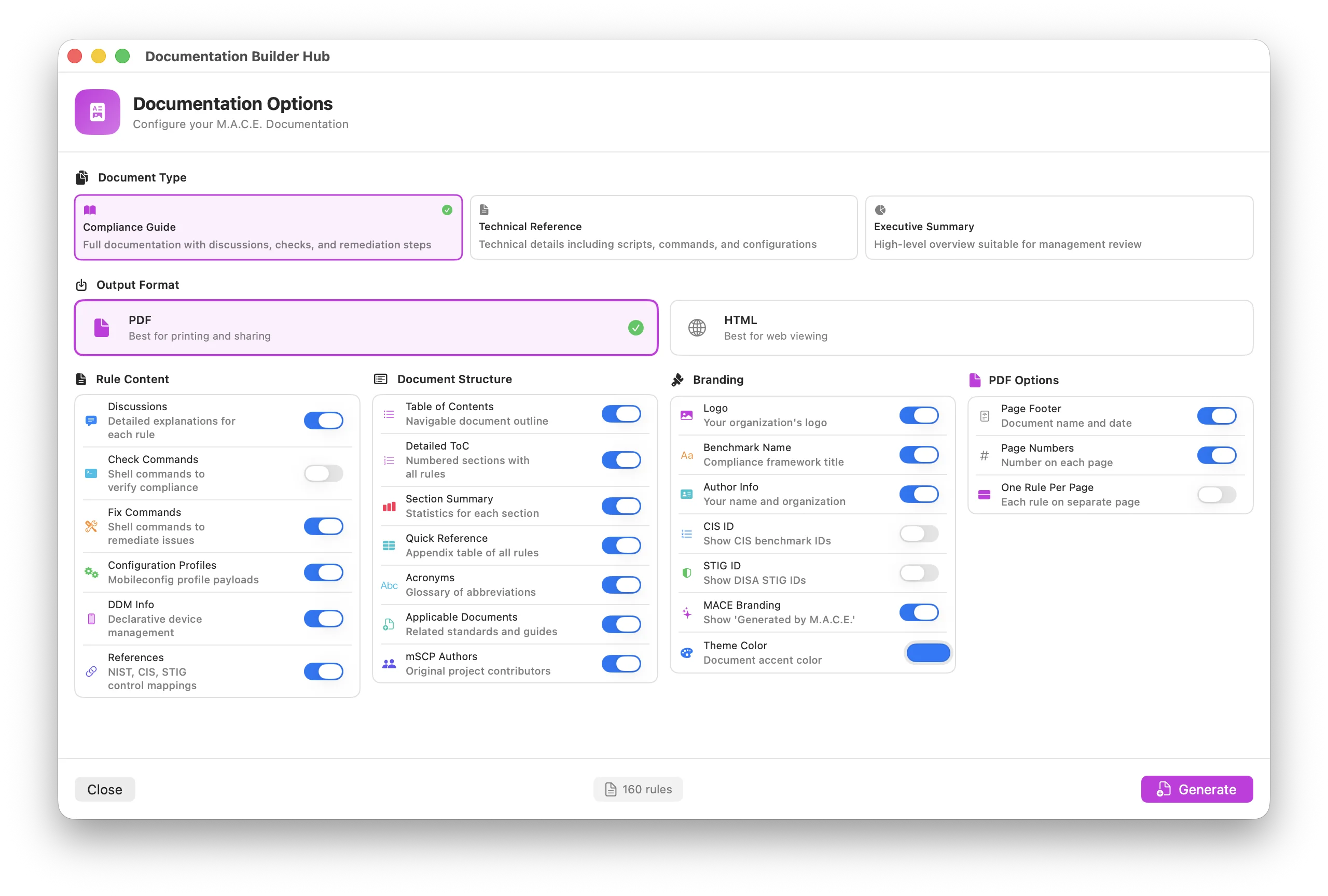
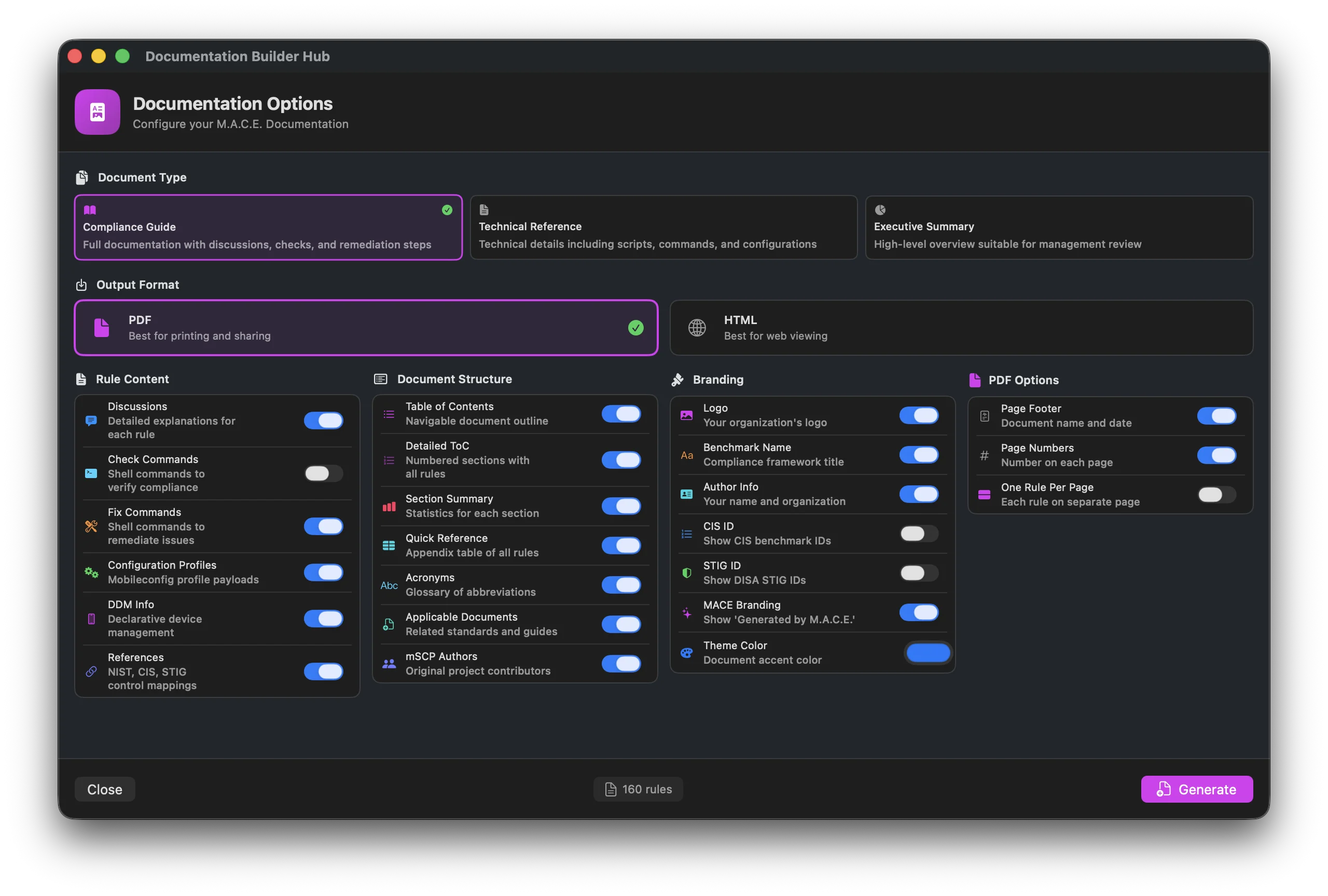
What Does Documentation Do?
Documentation generates comprehensive guides from your compliance baseline. Instead of manually writing documentation, MACE creates professional documents that include rule details, remediation steps, configuration profiles, and compliance references.
Documentation vs Build vs Audit
Build creates deployable files (scripts, profiles, DDM) for your MDM.
Audit checks a Mac's current compliance status.
Documentation creates human-readable guides explaining your compliance requirements.
Output Formats
Professional document format. Ideal for sharing with auditors, printing for meetings, or archiving compliance documentation. Always US Letter, with page numbers, a clickable table of contents, and sidebar bookmarks. Pick a Light or Dark color scheme, or Both to get two files.
HTML
Web-based format. Opens in any browser, easy to share via email, and works well for internal team reference. Self-contained single file with all styles and the logo embedded. By default it follows the reader's light or dark system setting.
XLSX
Excel workbook with a Compliance Rules sheet and an Info sheet, auto-filters, frozen panes, and optional row colors by rule status. Best for compliance teams who need to sort, filter, and work with rule data in a spreadsheet.
Markdown
Lightweight text format that renders on GitHub, wikis, and most editors. Best for version-controlled documentation or internal knowledge bases.
AsciiDoc
Structured authoring format popular for technical documentation and publishing toolchains. Converts cleanly to other formats and works well in docs-as-code workflows.
CSV
Spreadsheet-friendly export of rule data. Import into Excel, Google Sheets, or Numbers for custom filtering, sorting, and analysis.
JSON
Structured data format for automation and integrations. Feed rule content into custom tooling, dashboards, or other systems.
The Documentation Builder includes a live preview. Switch formats with the tabs at the top, toggle content and structure options in the sidebar, and the preview updates in real time — what you see is what you generate. Use Show Raw to inspect the underlying output.
Document Types
MACE offers six pre-configured document types, each designed for a different audience:
Full Report
Everything enabled — the most comprehensive option.
- All rule content and discussions
- Check and fix commands
- Configuration profiles and DDM info
- Framework references and appendices
- Complete structure (ToC, glossary, quick reference)
Compliance Guide
Policy-focused documentation for compliance teams and auditors.
- Rule discussions and rationale
- Fix commands and remediation steps
- Configuration profiles and DDM info
- Compliance framework references
- Section summaries with statistics
Technical Reference
Implementation-focused for IT administrators.
- Check and fix commands
- Configuration profile payloads
- DDM declaration details
- Technical implementation notes
- Command-focused format
Remediation Guide
Fix-focused guide for hands-on remediation.
- Remediation steps for each rule
- Fix commands and verification commands
- Minimal background — action-oriented
- Ideal for working through non-compliant settings
Audit Report
Audit trail for evidence and assessments.
- Rule status and justifications
- Compliance framework mapping
- Suitable as an audit record
- Documents what was checked and the outcome
Executive Summary
High-level overview for management.
- Compliance scope and coverage
- Key statistics and metrics
- Minimal technical details
- Stakeholder-friendly format
- Quick overview of requirements
Generating Documentation
Documentation Engines

mSCP Documentation Engine
Runs mscp.py guidance with default options. Output lands in MSCP_Project_Files/build/ and overwrites earlier runs.
- Optional Markdown and Excel output
- Logo from the project's
logo.png - Generate All Artifacts and custom flags under Advanced

M.A.C.E. Documentation Engine
The recommended engine. Fast, full-featured, and built into MACE.
- PDF, HTML, Markdown, AsciiDoc, XLSX, CSV, and JSON output
- Clickable table of contents
- Custom branding and colors
- All content options available
What's in the Document?
A generated document includes multiple sections organized for easy reference:
Logo, title, subtitle, platform and version, date, and author line. Every piece can be turned off or edited under Branding.
Clickable navigation to all sections. Optional detailed view with numbered sections and all rules listed.
Introduction explaining what platform and compliance framework the document covers.
Statistics for each section showing total rules, configurable rules, manual rules, and more.
Each rule with its ID, title, discussion, commands, profiles, and references. The core content of the document.
Appendix table listing all rules at a glance for quick lookup.
Definitions of technical terms and abbreviations used in the document.