Projects

Projects are how MACE organizes your compliance work.
Each project contains your selected framework, customized rules, mSCP files, and everything MACE needs to build deployment-ready outputs.
Creating a Project
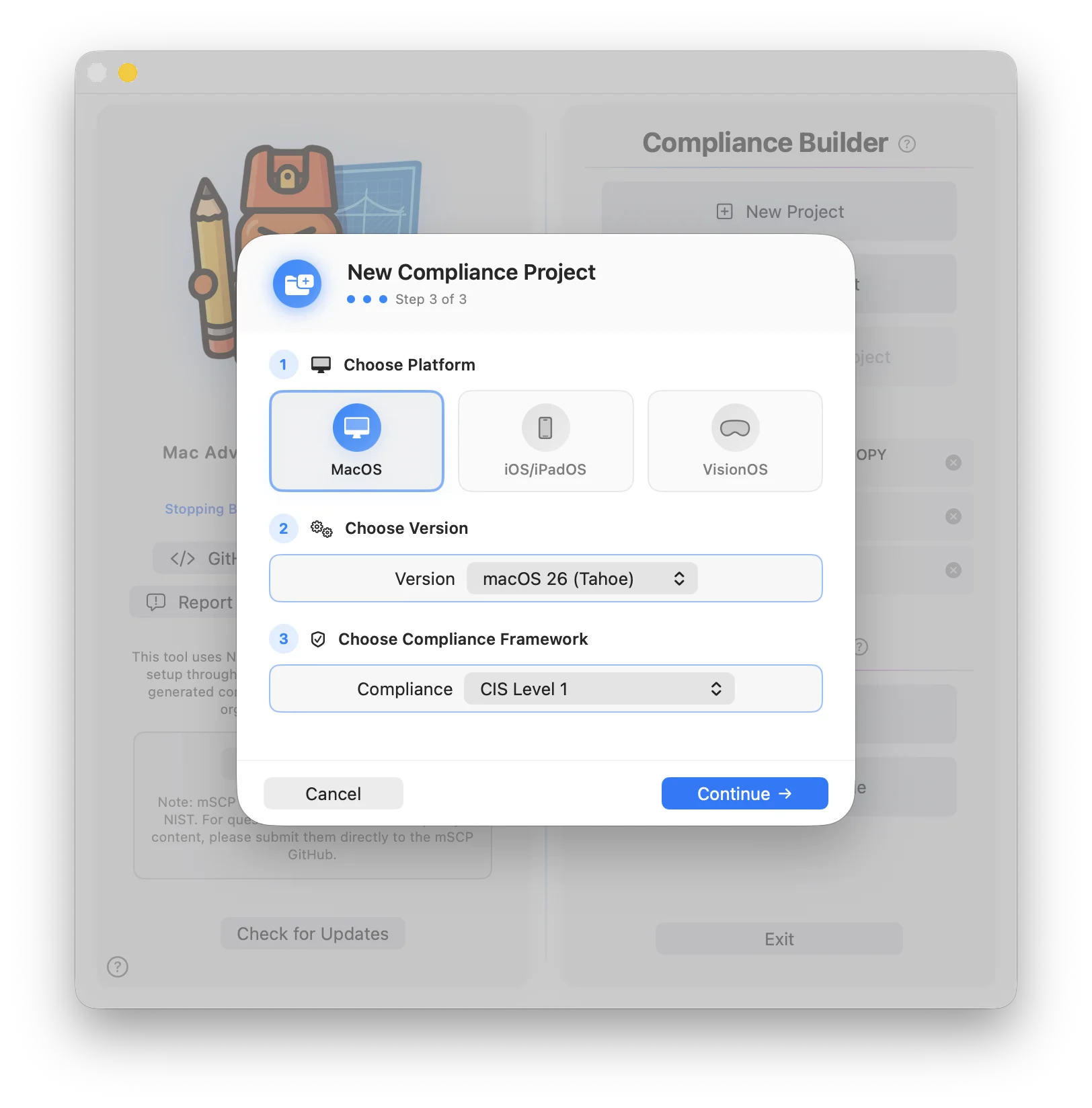
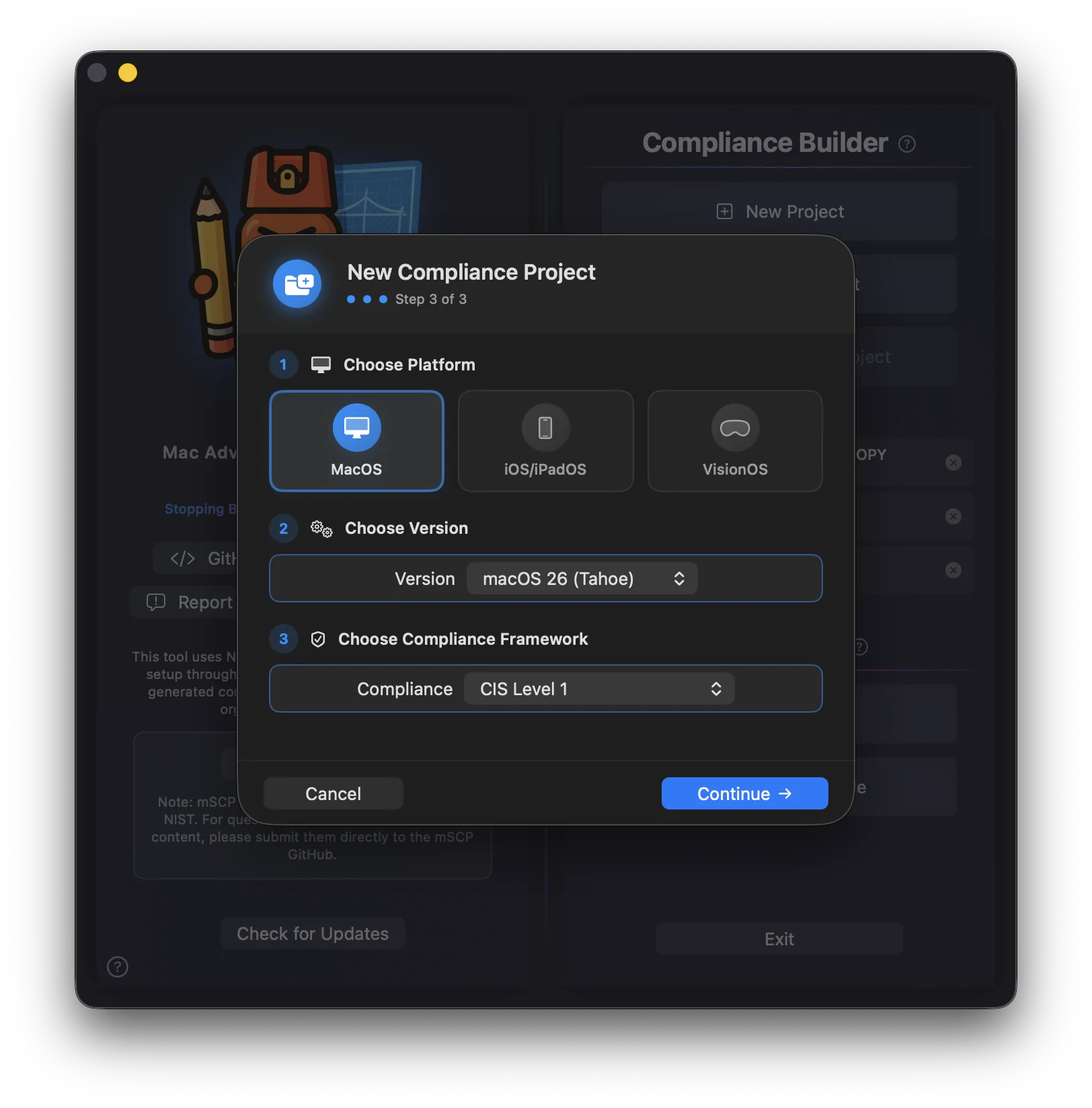
MACE_Project_YYYY-MM-DD in your last-used location. Use a generic name, since you can change the framework later
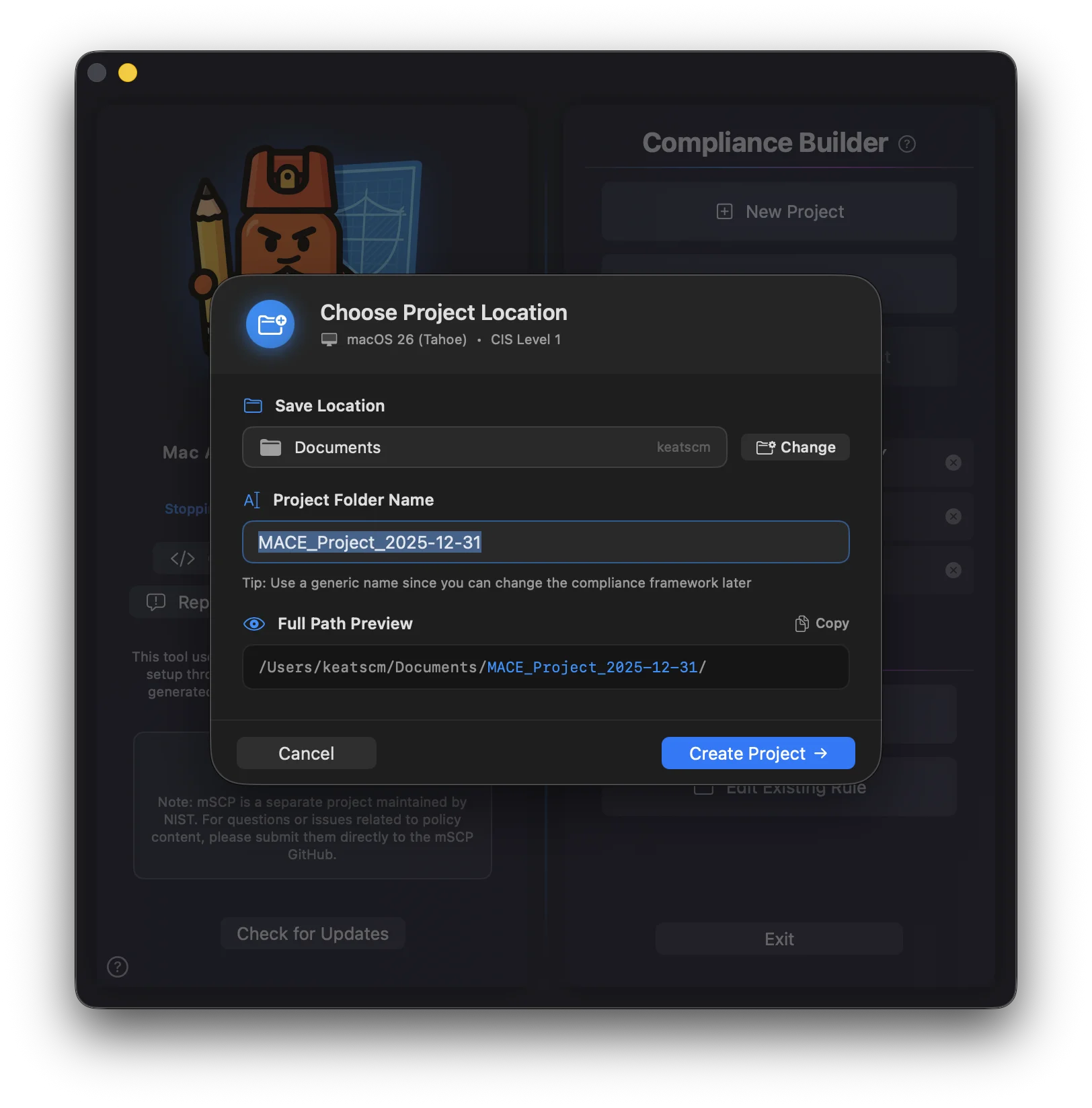
Once created, your project opens in the Compliance Builder Hub where you can start building your baseline. If you picked a beta branch or a fork as your Rules Source, the sheet shows a badge and a confirmation alert first. See Beta Testers.
What's Inside a Project
When you create a project, MACE sets up a folder structure that keeps everything organized:
A small plist with the platform, version, framework, mSCP branch, custom baseline name, documentation settings, audit comments, exemptions, and MDM upload history. The file can be renamed; MACE opens the first .mace it finds in the folder.
Where the M.A.C.E. engine writes scripts, configuration profiles, DDM declarations, and documentation. The mSCP engine writes to MSCP_Project_Files/build/ instead.
The original mSCP project structure. Every rule you edit or add is written as YAML under custom/rules/, exactly where the mSCP tools expect it, so you can use the command line directly if you prefer.
Importing a Project
Instead of starting from scratch, you can create a project from an existing source with Import & Create Project on the main menu.
Jamf Compliance Editor (.jce)
Import a .jce file to auto-detect the platform, version, compliance framework, and rule exclusions. MACE shows a confidence rating and lets you verify or override each setting before it builds the project. JCE files only store which rules are included or excluded, so customized rule content doesn't come across.
Imports are read-only and never modify the original files. Only macOS 14 (Sonoma) and later projects are supported. Importing from mSCP 1.0 rule folders is still marked Coming Soon.
Opening Projects
There are a few ways to open an existing project:
| 📄 | Double-click a .mace file in Finder |
| 📂 | Click Existing Project from the main menu and pick either the .mace file or the project folder |
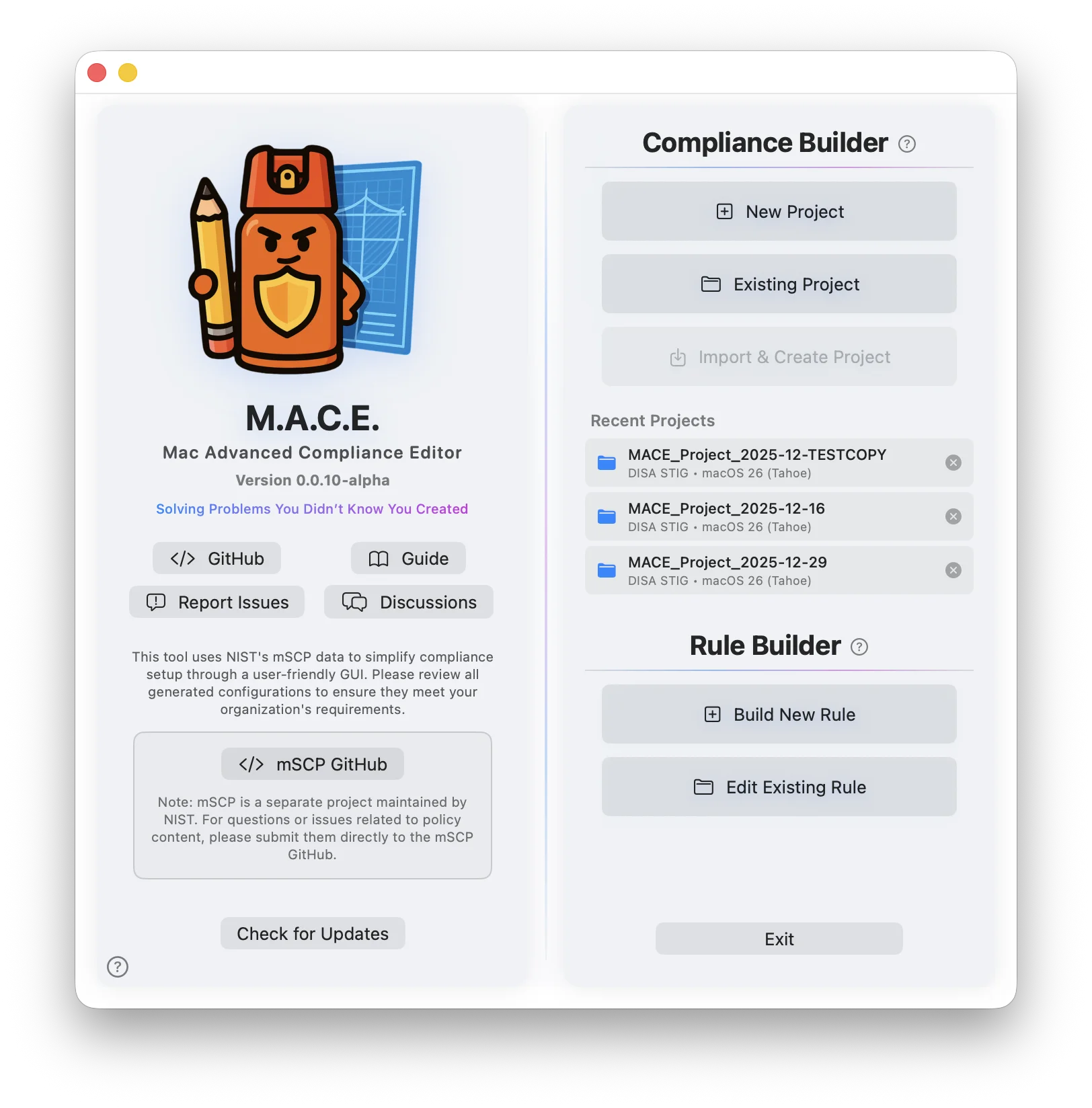
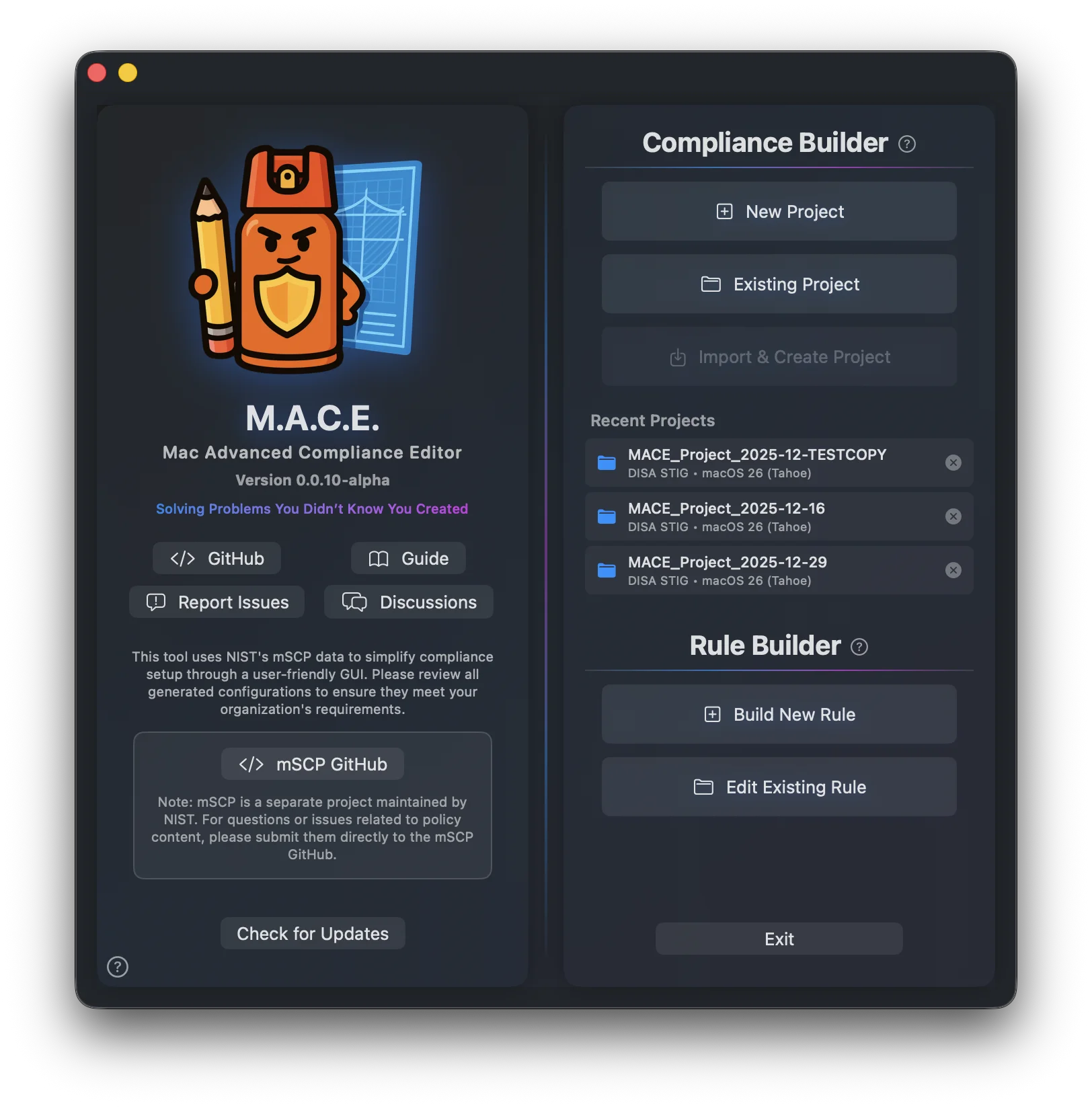
| 🕐 | Select from Recent Projects on the main menu. It shows the last three; right-click one for Show in Finder or Remove |
| ⌨️ | Project ▸ Open Project… (Shift+Cmd+O) from inside the editor, or Duplicate Project… (Shift+Cmd+D) to copy one |
Project Features
| 💾 | Auto Save — Every change is saved automatically. Turn it off in Settings if you'd rather press Cmd+S yourself; the editor then shows an orange Unsaved indicator. |
| 🧠 | Remember Settings — Pick up right where you left off in the Compliance, Audit, Documentation, and Build hubs. Also a Settings toggle. |
| 🌿 | Branch Aware — Each project remembers which mSCP branch or fork it came from, and checks that source for rule updates. |
| 🔧 | Git-Ready — New projects get a .gitignore and .gitattributes, and the inherited custom/.gitignore is neutralized so your rule edits are tracked. For older projects, use File ▸ Make Project Git-Ready. |
| 🔀 | mSCP Compatible — MACE keeps its files separate, so you can still use mSCP command line tools directly. |
| 📝 | Author Info — Benchmark name, author, organization, and logo are set from the Author Docs card in the editor and flow into documentation and builds. |